
The best software to write standard operating procedures, by task: screen capture, training, checklists or a wiki, each priced, and how to roll it out.
In this article
The opening and closing procedures are in a binder at each centre, and a newer version is somewhere in the shared drive. New educators start most months, and when something goes wrong, nobody can say who had read the procedure.
Here's the best software to write standard operating procedures, sorted by what you need it for: what each kind of tool does, what it costs, what a business like yours would choose, and how to get your team using it.
The short answer
There's no single best: choose by the task. Scribe and Tango turn a task on screen into a step-by-step guide as you do it. Trainual tracks who has finished training. Process Street runs checklists that repeat. Notion, or the Microsoft 365 or Google Workspace you already pay for, holds written procedures. Start with what you already have.
Six tools, five kinds
In plain words: Notion is an online notebook a team can build into a wiki; Scribe and Tango are browser add-ons that record each click while you do a task in software, and turn it into numbered steps with screenshots; Trainual is training software; Process Street runs online checklists. A seat is one person's login.
| Tool | Best for | Price |
|---|---|---|
| Microsoft 365 or Google Workspace | Written procedures in shared documents and folders | Already in your plan |
| Notion | A wiki you build yourself | Plus US$10 (about A$14) or Business US$20 (about A$29) a seat a month, paid yearly |
| Scribe | Step-by-step guides captured from your screen as you work | Free Basic plan; Pro Team US$13 (about A$19) a seat a month, paid yearly, from five seats |
| Tango | The same kind of screen capture | Free plan; Pro US$15 (about A$22) a user a month, paid yearly, for three or more users |
| Trainual | Training by role, with who has finished what | Price on request, plus a one-time $1,000 set-up fee (its page doesn't name the currency) |
| Process Street | Checklists that repeat, with approvals | Price on request; a 14-day trial |
Prices from each tool's own pricing page, checked 7 November 2026, in US dollars unless shown otherwise; Australian dollars at the Reserve Bank's rate on 6 November. Trainual says it's best suited to companies with 25 to 1,000 employees (Trainual).
Match the tool to the task
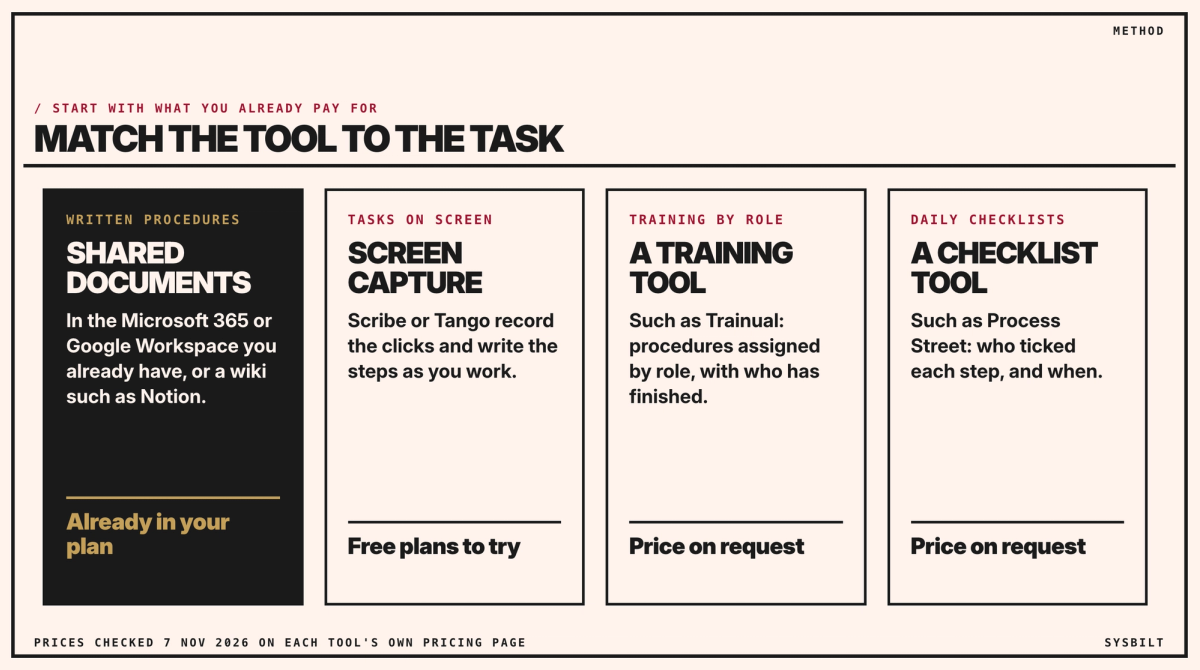
- If most procedures are written steps, start with the shared documents you already have. Notion suits a team that wants a wiki and will keep its structure tidy.
- If they're tasks on screen, such as enrolling a family in your childcare software, Scribe or Tango record each click as you do it and write the numbered steps for you. Both have a free plan to try. Record with a made-up test family, not a real child: enrolment screens hold children's health details and sometimes court orders, and these tools capture whatever is on screen.
- If you must show who has finished training, a training tool such as Trainual assigns procedures by role and tracks completion. It's priced on request, so ask for a price for your number of staff.
- If the procedure is a checklist done every day, such as opening a room, a checklist tool such as Process Street records who ticked each step and when.
For two centres, what that looks like
Your procedures are mostly written steps and daily checklists, and the gap is knowing who has read them. Keep the procedures in the Microsoft 365 or Google Workspace you already pay for, one document each, and ask each educator to confirm they've read the ones for their room with a short form in Microsoft Forms or Google Forms. It works on a phone, so educators can sign from the floor.
For example, the procedure for opening a room is one page in each centre's folder, with a link to the form at the bottom. The form asks five things: the educator's name, the centre, the procedure, its version, which is the date at the top of the procedure, and a tick for "I've read it and can do it", with the date recorded. To build it, in whichever of the two you already use:
- 01Create a new form with those five questions, the name, procedure and version as drop-down lists, and the tick required.
- 02Send the answers to a spreadsheet: Microsoft Forms can open them in Excel, and Google Forms can link them to Google Sheets.
- 03Add a second tab listing each educator against their room's procedures and each one's current version. A COUNTIFS formula marks "yes" where a matching answer exists for the current version, so the gaps show without checking names by eye.
- 04Paste the form link at the bottom of each procedure.
Casual educators sign for each room they work in, at either centre.
When a procedure changes, keep its name, give it a new version date, and add that date as a choice in the form's version question. Then update the version on the second tab, so older sign-offs stop counting and everyone in that room signs again. New educators sign in their first week, as part of starting.
Childcare has its own rules on this. Under the Education and Care Services National Regulations, you must have policies and procedures in place (regulation 168) and take reasonable steps to make sure they're followed (regulation 170) (ACECQA). A dated sign-off register shows who has read each one. Ask your state's regulatory authority, which ACECQA lists for each state, what else it looks for to show they're followed (ACECQA).
If that list becomes the hard part, as you open a third centre, that's when a training tool is worth pricing. Our post on documenting processes your team will read covers how to write each one so it gets used.
The rollout matters more than the tool
Most teams sign up, write a few procedures during the trial, and drift back to asking the director. What works:
- Start with three procedures, not thirty.
- Explain why each one exists, so it doesn't feel like extra admin.
- Check who has read it, in the tool or with a sign-off form.
- Give each procedure an owner and a date to review it.
If you have none yet, three questions
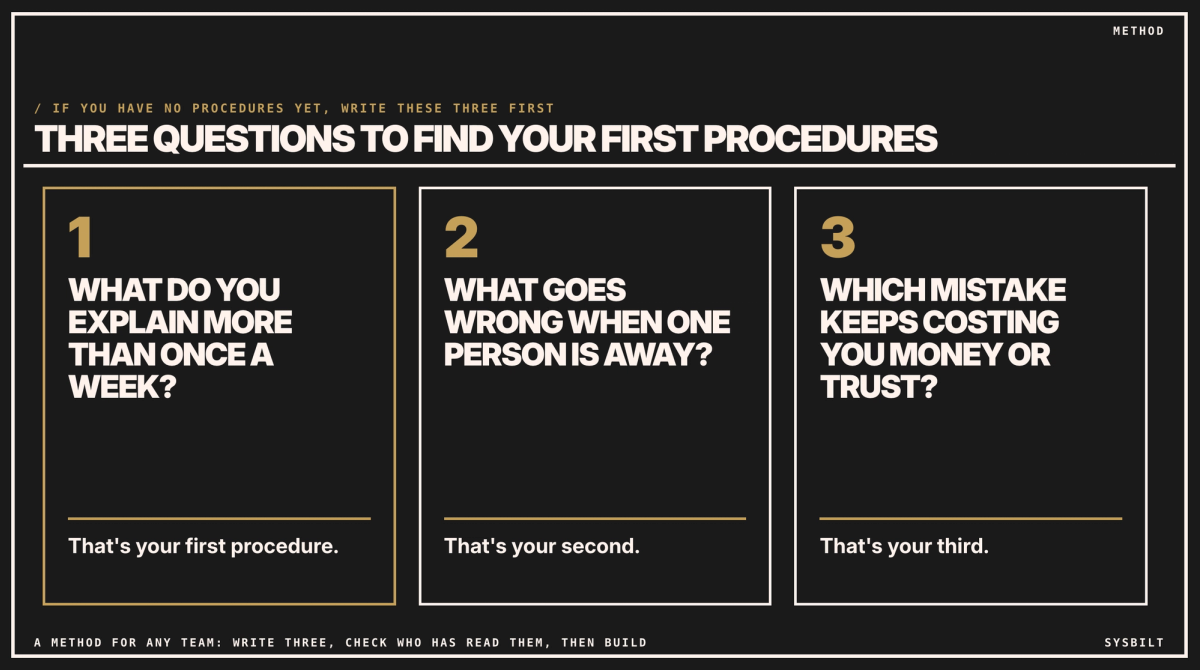
- 01What do you explain more than once a week? That's your first procedure.
- 02What goes wrong when one person is away? That's your second.
- 03Which mistake keeps costing you money or trust? That's your third.
Write those three, check who has read them, and build from there. Our post on Notion vs Google Drive helps if you're choosing where they'll live.
If you'd rather have it set up, we write the first procedures with your team, set up where they live and how sign-offs are tracked. That's part of our Team Training service.
If you'd like a second pair of eyes, book a 15-minute call with our team in Sydney, by phone or video. Bring the three procedures you'd start with, and we'll tell you whether what you already pay for will do, so you leave knowing what to set up first. There's no obligation after the call, and we don't upsell.

WRITTEN BY
Felipe Chaparro
Systems Architect and Founder of SYSBILT. Felipe engineers custom automation, AI workflows, and performance web architectures for scaling Australian service businesses.